

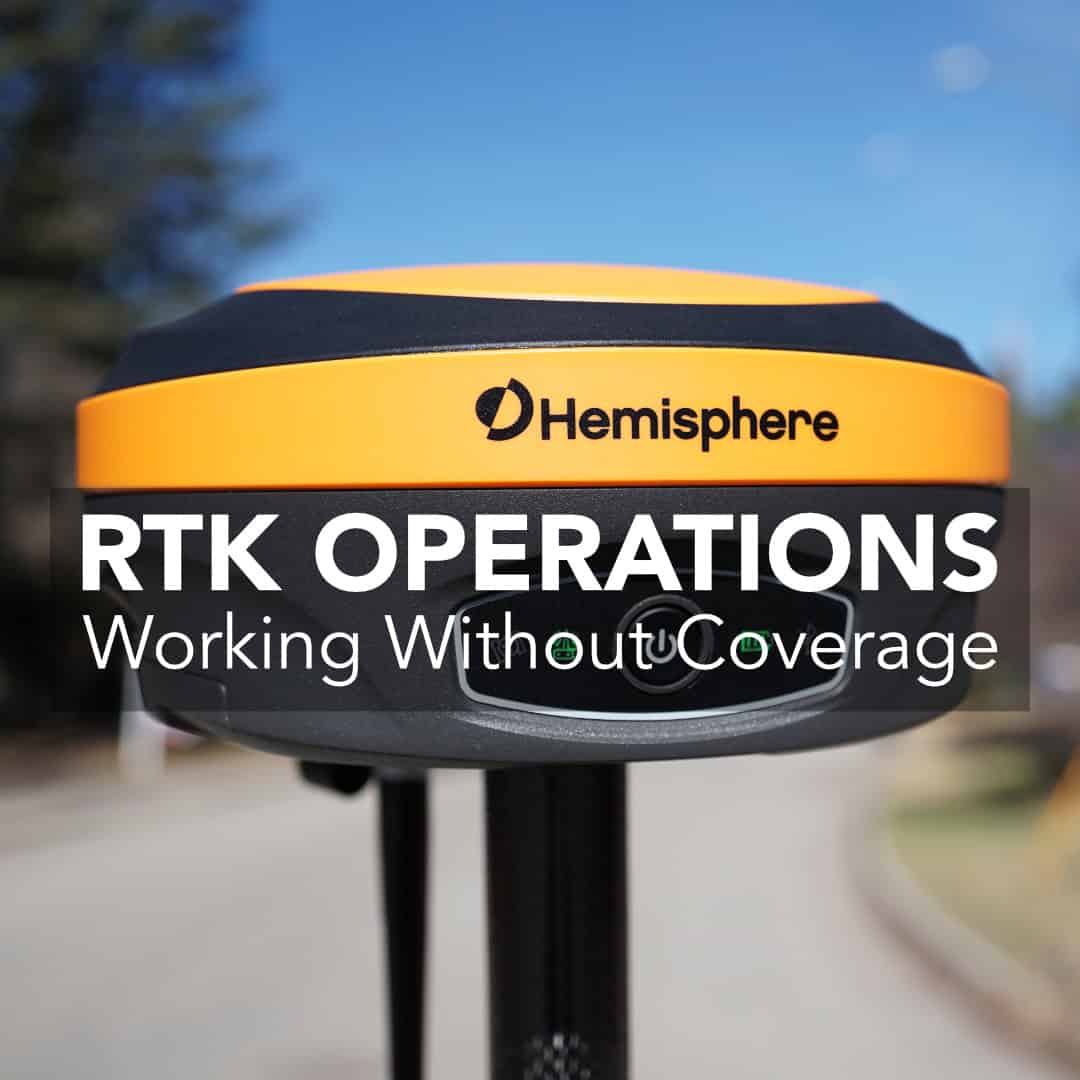
When you’re surveying in the middle of nowhere, staying connected to an RTK network can be a challenge. But what happens when there’s no internet connection at all? Can you still run an RTK setup and achieve centimeter accuracy?
Why Internet Matters for RTK
How Offline RTK Works
Setting Up an Offline RTK System
Understanding Range and Limitations
Starlink and Portable Internet for Remote RTK
When to Use Offline RTK
Best Practices for Offline RTK Accuracy
Staying Connected, Even When You’re Offline
Normally, RTK (Real-Time Kinematic) GNSS surveying relies on correction data from a reference network, and for those getting started a CORS (Continuously Operating Reference Station) system is typically the way they get started. These networks send corrections through NTRIP (Networked Transport of RTCM via Internet Protocol), which means you need an internet connection to receive those corrections in real time.
If you’re working in a city or suburban area, you can usually connect your receiver or data collector directly to an RTK network using mobile data. But in remote areas, especially in northern Canada, cellular coverage can be unreliable or completely unavailable. Without the internet, your system can’t receive corrections from a CORS network. You need to turn back the clock and return to the roots of RTK and set up a base and rover system with a radio.
Offline RTK replaces the internet connection with a direct, radio-based link between your base and rover. The principle is the same: one receiver acts as a stationary reference point (the base), while another (the rover) moves around the job site collecting data.
The base continuously calculates its position from satellite data and measures any small errors. Instead of sending those corrections through the internet, it transmits them over a UHF radio to the rover in real time. The rover then applies the corrections to its own satellite readings, allowing both units to operate with full RTK precision entirely offline.
This method is particularly effective for projects that require full control over accuracy and setup. By running your own private correction source, you eliminate the dependency on third-party networks or mobile infrastructure.
To run RTK offline, you need a few key components: a base receiver, a rover, compatible radios, and field software.
When setting up your base station in offline mode:
If your base has an internal radio, setup is straightforward. For external radios, mount them on a mast for better transmission range and keep antennas vertical.
Offline RTK’s performance depends on environmental factors and radio quality. In open terrain, most internal radios reach around five kilometers. External radios can extend coverage significantly, though that range can be limited in forests or hilly regions.
Offline setups are best suited for single crews working within a defined area. Since the corrections come directly from your base, only receivers within its radio coverage can access them. For multiple crews spread across larger projects, this limitation can make coordination challenging unless you use additional repeaters or internet-based casters.
One of the biggest game changers for Canadian surveyors has been Starlink. Many of our customers now use compact Starlink routers in the field, especially when working with StormCaster or similar NTRIP services.
Starlink provides satellite-based broadband with coverage across almost all of Canada and the northern U.S., so it’s a great option for remote areas that used to be completely offline. With a Starlink setup at your truck or field office, you can:
Offline RTK operations are ideal when internet access is limited or unreliable. They’re common in large-scale land development, northern resource exploration, and long-term environmental projects.
They also make sense when you need full control of your correction source or when working under strict accuracy requirements where relying on an external network might introduce inconsistencies. Even with more portable internet options like Starlink, offline RTK remains the most reliable method for uninterrupted surveying in truly isolated regions.
To get the most out of offline RTK, follow these tips:
With the right RTK setup, you can achieve full accuracy anywhere. Offline RTK operations give you the freedom to work independently. Technologies like Starlink now make it easier than ever to stay connected when needed.At Bench-Mark, we’ve helped hundreds of surveyors build reliable offline and hybrid RTK workflows. We can help you find the right balance between radio, NTRIP, and satellite connectivity. Your accuracy shouldn’t depend on a cell signal. With the right setup, it doesn’t have to.
