

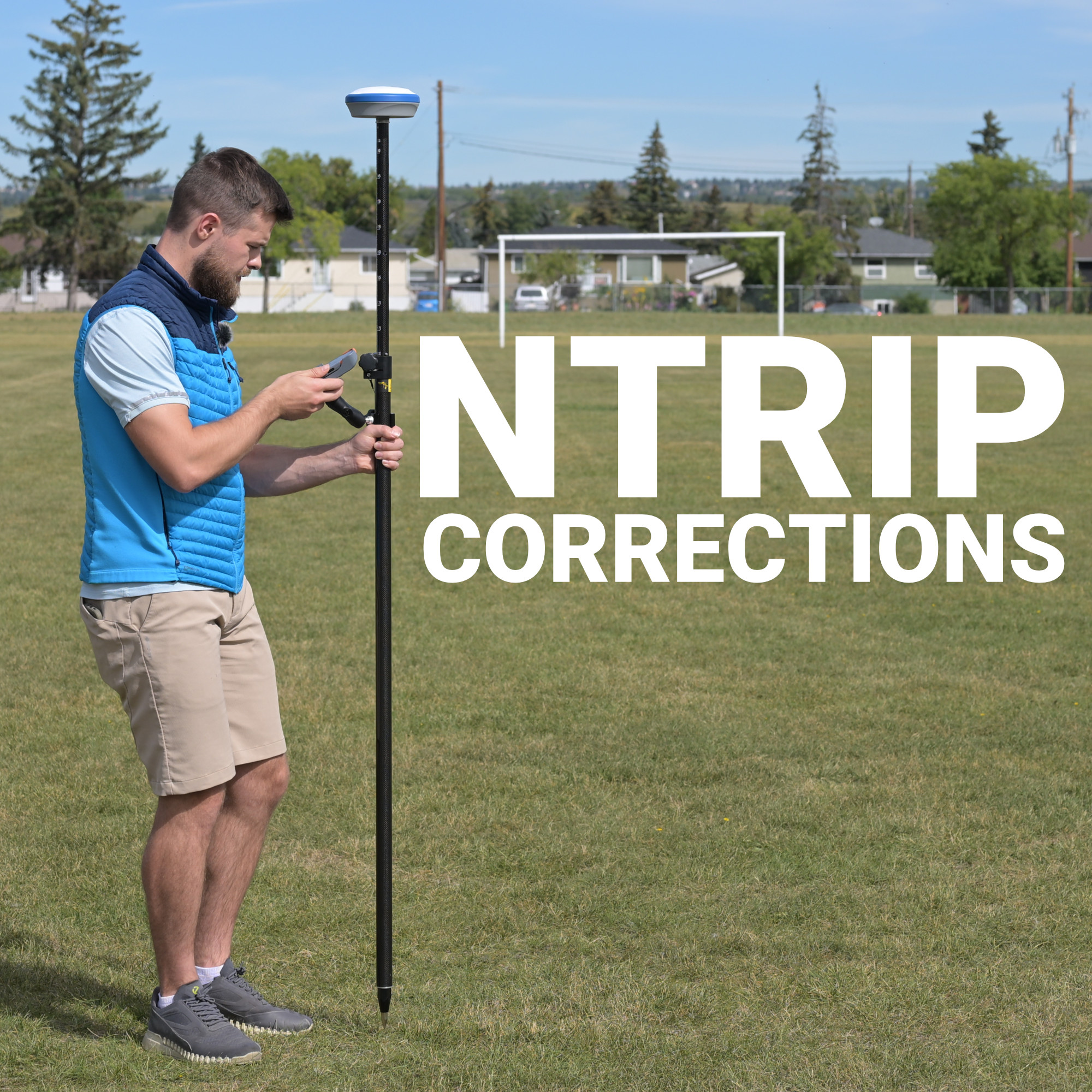
Every centimetre of RTK accuracy your receiver achieves in the field depends on a correction stream you almost never think about. The satellite signals arriving at your antenna carry errors introduced by ionospheric delay, tropospheric conditions, satellite clock drift, and orbital imprecision, errors that, left uncorrected, produce positions accurate to a metre or more. What collapses that error margin to two centimetres or less is a continuous feed of correction data calculated from fixed reference stations at known positions and delivered to your rover in real time over the internet.
The protocol that makes that delivery possible is called NTRIP, and understanding how it works explains a lot about why your RTK setup performs the way it does, and why it sometimes doesn’t.
What NTRIP Actually Is
The Three-Part Architecture
RTCM: The Format Inside the Protocol
VRS and Why Network Geometry Matters
Connecting to NTRIP RTK in Practice
When the Connection Drops
Corrections Behind RTK Is What Truly Matters
NTRIP stands for Networked Transport of RTCM via Internet Protocol. The name is precise: it describes exactly what the system does. It takes RTCM-formatted correction data, the structured messages that carry satellite observations, carrier phase measurements, and atmospheric correction parameters from reference stations, and transports them over standard internet infrastructure to any connected receiver in the coverage area.
Before NTRIP, distributing RTK corrections over a wide area required dedicated radio links from individual base stations to individual rovers. That architecture worked within a limited radius, typically 10 to 30 kilometres, and degraded in accuracy as the rover moved farther from the base. It also required each operator to own, deploy, and maintain their own base station hardware, set up over a precisely surveyed position. NTRIP replaced that with a networked model: reference stations feed a central internet server, and rovers connect to that server over a mobile data connection from anywhere within coverage. The correction infrastructure becomes shared, and the operational overhead of managing your own base station largely disappears.
NTRIP operates through three components that each have a specific role in getting correction data from a reference station to your receiver.
The NTRIP server is the reference station itself, a fixed GNSS receiver at a precisely known position that continuously observes satellite signals and calculates the difference between what it observes and what it should observe given its known location. That difference is the correction. The server pushes this correction data continuously to the caster.
The NTRIP caster is the central relay. It receives correction streams from multiple reference stations or network processing engines and holds them as individually addressable mountpoints. When a rover connects, the caster identifies the appropriate correction stream for that rover’s location and delivers it as a continuous feed. The caster is also where authentication happens, access to correction streams is typically controlled through a username, password, and mountpoint selection.
The NTRIP client is your receiver, or more precisely the software running on it. The client sends its approximate position to the caster, which uses that information to select or generate the most appropriate correction stream. It then receives the correction data continuously, decodes the RTCM messages, and applies them to its own satellite observations to compute a corrected position. Latency through this entire chain is typically under one second, fast enough for real-time stakeout, machine control, and live surveying work.
NTRIP is the delivery mechanism. RTCM is the data format it carries, and the distinction matters because RTCM defines exactly what information your receiver is receiving and how it’s structured.
The current standard is RTCM 3.x, which replaced the older RTCM 2.x format and is now supported by virtually all survey-grade receivers. Within RTCM 3.x, individual message types carry different categories of information:
The multi-constellation support in modern RTCM 3.x messages is significant in Canadian survey conditions specifically. A receiver tracking all four constellations simultaneously may have 30 to 40 satellites in view under open sky. That geometric redundancy improves ambiguity resolution speed, maintains fix quality near obstructions, and provides the satellite diversity needed to stay locked in challenging environments, near tree lines, along cut slopes, or in partially obstructed industrial sites.
The accuracy of RTK corrections degrades as the distance between the rover and the reference station increases. This is called baseline length, and it matters because atmospheric conditions, particularly ionospheric delay, are not uniform across geography. A correction calculated at a reference station 50 kilometres away describes atmospheric conditions at that station, not at your rover’s location. The larger the separation, the less precisely the correction represents what your rover is actually experiencing.
Network RTK addresses this through Virtual Reference Station technology. Rather than delivering corrections from the nearest physical station, the network processing engine uses observations from multiple surrounding stations to model atmospheric conditions across the entire coverage area. It then generates a synthetic correction stream that represents a virtual reference point near your rover’s actual location, effectively reducing the baseline to a few kilometres regardless of where the nearest physical station is. The rover receives corrections as if there were a base station right next to it, without one actually being there.
This is the mechanism that allows modern NTRIP networks to deliver consistent centimetre-level accuracy across large geographic areas. For surveyors working across multiple Canadian provinces, or moving between urban and rural sites with uneven reference station density, VRS is what keeps correction quality stable.
Getting connected to an NTRIP RTK network requires a few things to be in place before corrections start flowing:
Once connected, your receiver will display an RTK Fix status when it has successfully resolved the integer ambiguity using the incoming corrections. Float status means corrections are being received but ambiguity resolution is incomplete, positions in float are more accurate than uncorrected GNSS but significantly less reliable than a full fix. If you’re seeing persistent float where you expect fix, the most common causes are weak mobile signal, a long baseline to the nearest reference station, or insufficient satellite geometry at the time of initialization.
At Bench-Mark, we configure the equipment we supply for NTRIP connectivity as part of the setup process, so receivers arrive ready to connect to Canadian correction networks rather than requiring customers to work through that configuration from scratch.
NTRIP depends on a stable mobile data connection, and in Canada that connection is not always available where the work is. Rural survey sites, remote pipeline corridors, and boreal terrain in northern provinces regularly fall outside reliable 4G coverage. When the correction stream drops, the receiver loses its fix and falls back to float or uncorrected GNSS, and depending on how the receiver handles re-initialization, restoring a fix after reconnection can take anywhere from a few seconds to several minutes.
A few practices reduce the impact of connection interruptions.
A survey-grade receiver without a reliable correction stream is a very expensive way to get metre-level positions. The accuracy that RTK is known for is entirely dependent on the quality, continuity, and geometric integrity of the NTRIP corrections feeding it. Choosing the right correction network for your working area, understanding the architecture that delivers those corrections, and configuring your receiver to reconnect quickly when the stream drops are not secondary concerns. They are as fundamental to your system’s performance as the receiver hardware itself.
