

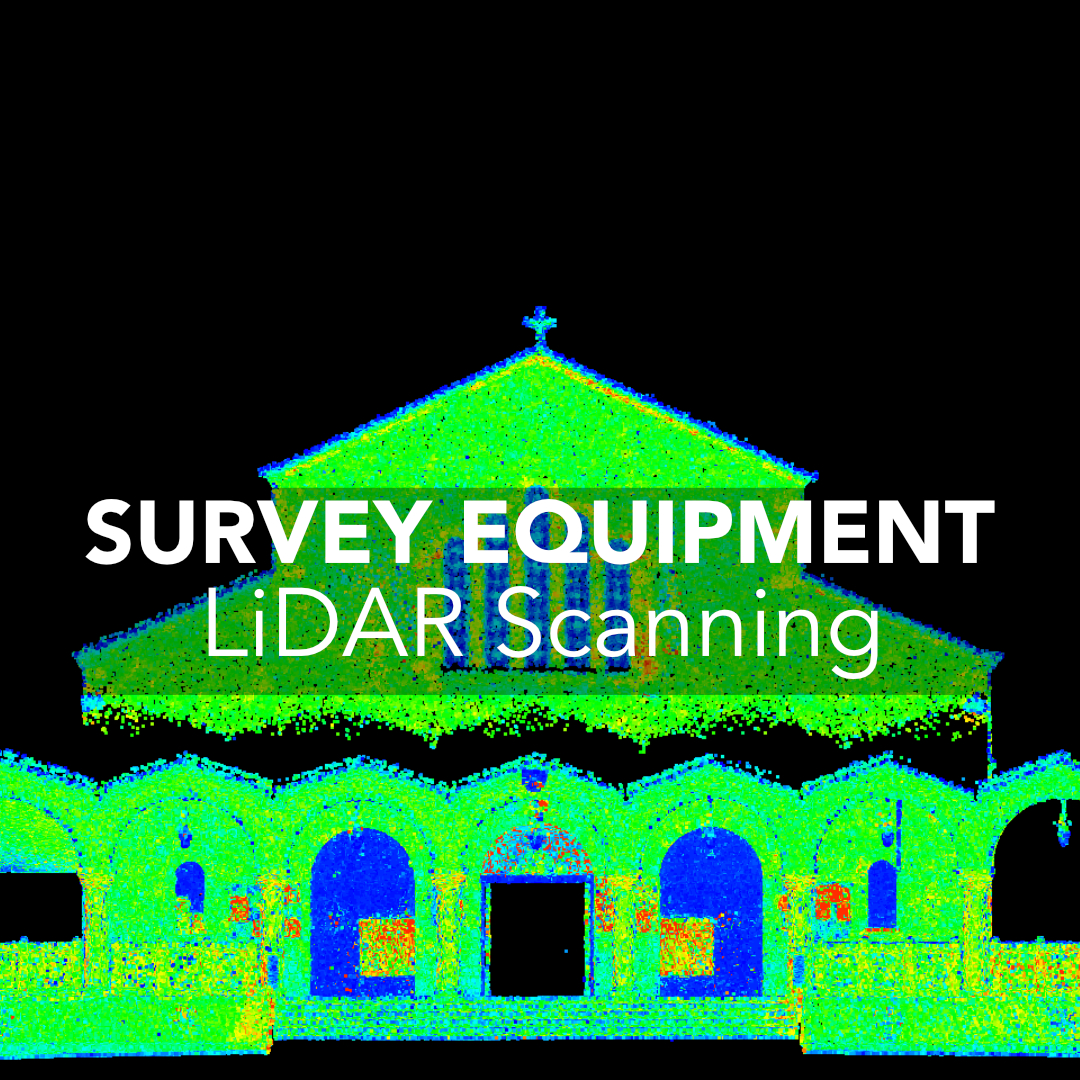
3D laser scanning used to be something only large engineering firms or industrial contractors could justify. Today, scanners are faster, more affordable, and far easier to integrate into existing survey workflows across Canada. But that doesn’t automatically mean every firm should run out and buy one. The real question is simple: when does a 3D scanner actually pay for itself in a survey operation?
Let’s see what 3D scanners bring to the table, where they outperform traditional surveying tools, and how to decide if now is the right time to add scanning to your setup.
Why 3D Scanners Matter in Modern Surveying
When 3D Scanners Outperform Traditional Survey Tools
Scanning Total Station vs. Dedicated 3D Scanner
How to Decide If Your Firm Is Ready for 3D Scanning
What 3D Scanners Actually Change in Your Workflow
The Business Case: When a 3D Scanner Actually Pays for Itself
The Limitations to Know Before You Buy
Is a 3D Scanner Worth It for Your Canadian Surveying Firm?
Think of a 3D scanner as a tool that captures everything your total station or GNSS receiver doesn’t. Traditional instruments collect points: one at a time or one line at a time. A scanner collects millions. Instead of describing a site, you document it in full, down to millimetres.
That level of detail changes how you work:
3D scanners are not replacements for RTK or total stations. They’re a complementary tool that solves specific problems that those systems can’t.
Plants, industrial facilities, refineries, and commercial interiors are all spaces where traditional total station workflows become slow and error-prone. Every pipe, flange, connection point, or structural element would require hours of manual shots. A scanner captures everything in a single pass, giving you geometry that’s easy to align with CAD or BIM models.
Canadian construction sites often demand highly accurate as-built conditions, especially when steel, MEP systems, or concrete pours need verification. A scanner produces a full surface model instead of a handful of checkpoints. This removes guesswork and helps catch mistakes early, before they become costly rework.
If an area is unsafe, elevated, or surrounded by obstacles, a scanner lets you stay in a safe position while still collecting complete detail. This matters on:
You decrease exposure time without sacrificing completeness.
Choosing between a scanning total station and a standalone scanner is less about specs and more about your workflow.
A scanning total station is ideal if your day-to-day work still relies heavily on angles and distances but you want scanning capabilities for topographic work, façade checks, or quick as-builts. It keeps your workflow familiar and lets you integrate scanning without changing your entire toolkit. It’s the option that adds scanning when needed.
If you regularly deal with interior mapping, industrial layouts, plant expansions, or reality capture for BIM, a dedicated scanner is the better choice. They collect far denser data, process faster, and reduce field time significantly.
If these scenarios sound familiar, scanning will likely save more time than it costs.
Adding a scanner reshapes the balance between field and office work. Field time becomes much shorter, but office processing becomes a central part of the deliverable.
You’ll capture more data with fewer setups. Scanners are fast, especially modern units that register scans in minutes.
You’ll need reliable software, clear workflows, and a plan for how you’ll deliver point clouds, meshes, or models to clients. This is where firms sometimes hesitate, not because scanning isn’t useful, but because data organization and processing take real structure.
The firms that succeed with 3D scanning treat the workflow as part of the investment, not an afterthought.
Canadian firms see a return on investment when scanning lets them:
A single major industrial or commercial project can justify the cost if scanning replaces days of total station work. Many firms start by targeting just one or two industries (plants, structural steel, heritage buildings, or interiors) and scale from there.
3D scanners extend your capabilities, but they don’t solve every challenge. Large outdoor sites will still rely on GNSS control to stay accurate, and environmental factors like rain, snow, or heavy dust can lower point-cloud quality. If you’re scanning long distances or wide exteriors, you may need higher-end hardware to maintain density and accuracy. Fieldwork becomes faster, but the trade-off is more time spent processing data back in the office.
It’s also important to understand that scanners create massive datasets. This means your team needs the training, storage, and workflow discipline to manage them. Someone on your crew must be able to clean, classify, and register point clouds properly, or the advantages quickly disappear. Deliverables must also match what the client actually needs. Not every project calls for a fully modelled BIM file, and not every site benefits from a scan in the first place. In many cases, traditional RTK remains the faster and more practical option.
Yes, if you choose the right tool for your workflow. 3D scanners aren’t about replacing your GNSS or total station setup. They’re about strengthening it. The firms that benefit the most are the ones that:
If scanning helps you finish jobs faster, avoid return trips, or offer a new service tier, the investment is almost always worth it. 3D scanners give surveyors the one thing no other tool does: complete, high-density site reality you can revisit anytime.
